Breakout
A playful challenge with the aim of moving the eyes as much as possible.
Eyetracking exercise: Further information on eye tracking
An experienced use of the mouse is an advantage in this exercise!
For this exercise you must be logged in (Instruction) and you must be on the home page.
Note: For this exercise, you may need to scroll down slightly with the mouse
1. Open the exercise by clicking on the corresponding box

2. Select the level
Level: Changes the difficulty of the exercise: ball speed, number of bars, width of the play bar, number of lives

3. Click on ‘Start’

4. Click on ‘Start’
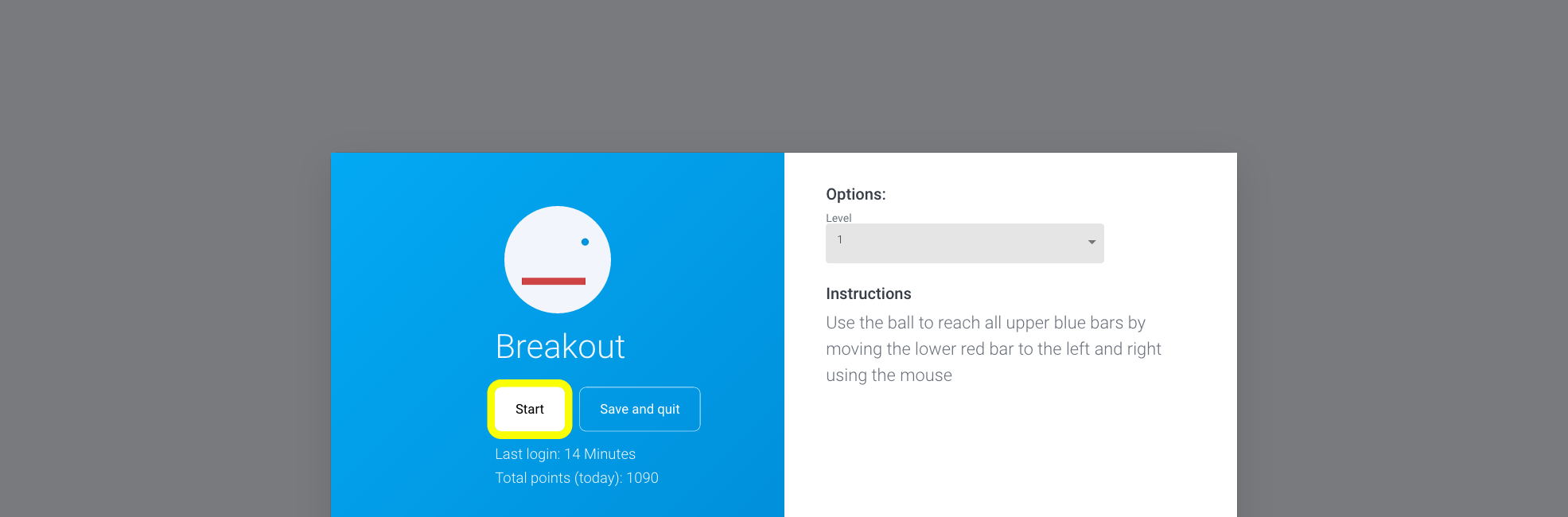
5. Hit all blue bars with the ball
This exercise is designed for Eyetracking. If you have an eye tracking device, you can control the red bar directly with your eyes. If not, follow these instructions:
The mouse should not be visible in this exercise, but is replaced by the red bar
Move this red bar with your mouse from left to right and hit the ball
If the exercise is to become more difficult, the red bar can also be controlled with the arrow keys of the keyboard. This also requires foresighted action
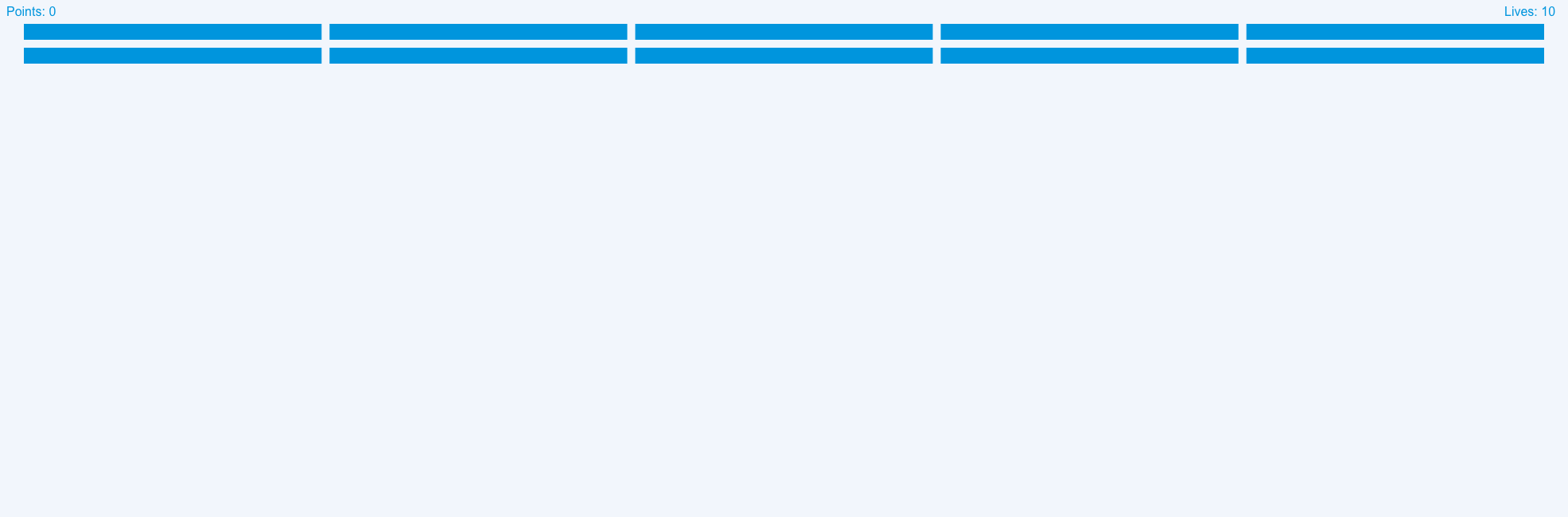
Remaining lives are displayed at the top right. If you don’t hit a ball at the bottom with the red bar, you lose a life. If you have no more lives, the game is lost and the exercise is finished.
The number of points is displayed at the top left. A hit bar results in a point
Attention: Move your eyes only, not your head
Note: If you want to end the exercise prematurely, press the ESC key
6. Click ‘Save and quit’ or ‘Start’
Once you have hit all the top bars, the game is won.
If you want to finish the exercise, click ‘Save and quit’, otherwise click ‘Start’.

7. Click on ‘Continue training’
After the exercise, a statistic appears in which you can analyze the exercise you have just performed. For more detailed evaluations, click on ‘Statistics’.
