Image-Search 1
A varied, level-based and everyday eye training for people of all ages.
For this exercise you must be logged in (Instruction) and you must be on the home page.
Note: For this exercise, you may need to scroll down slightly with the mouse
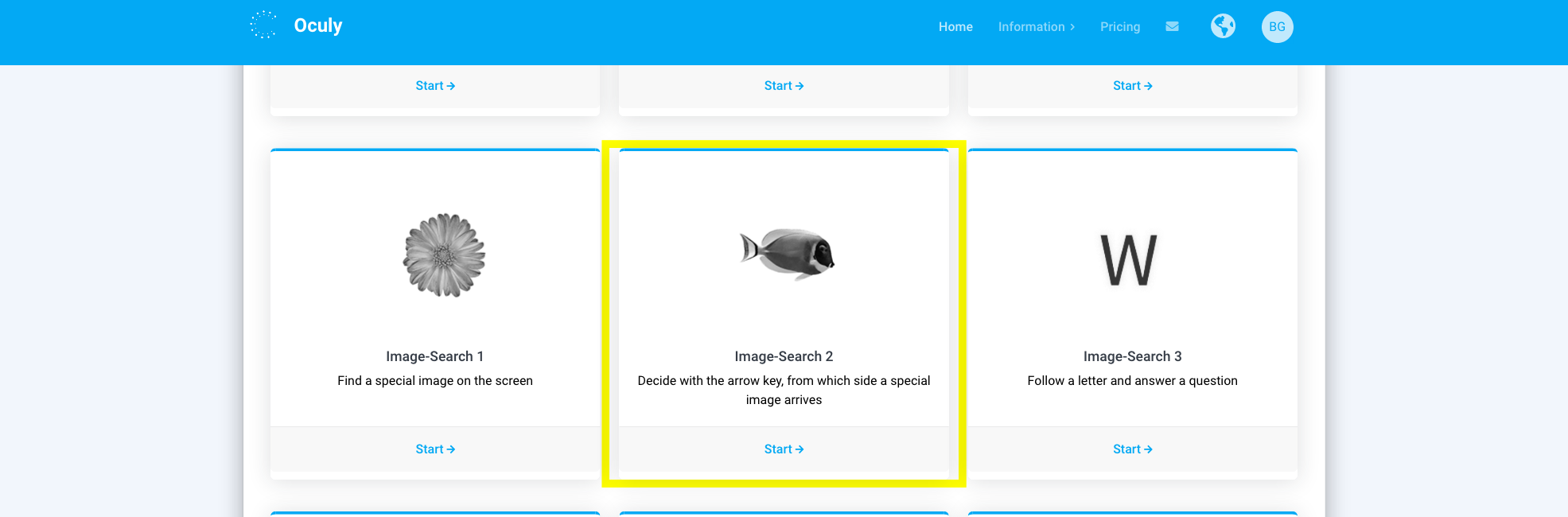
1. Open the exercise by clicking on the corresponding box

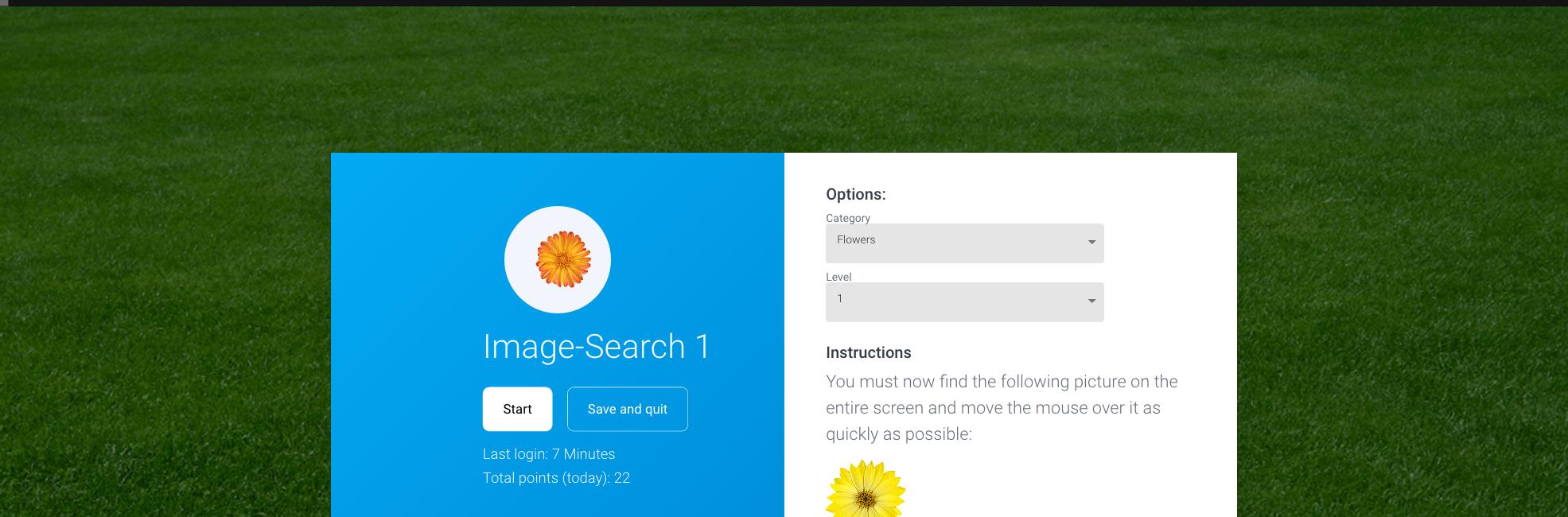
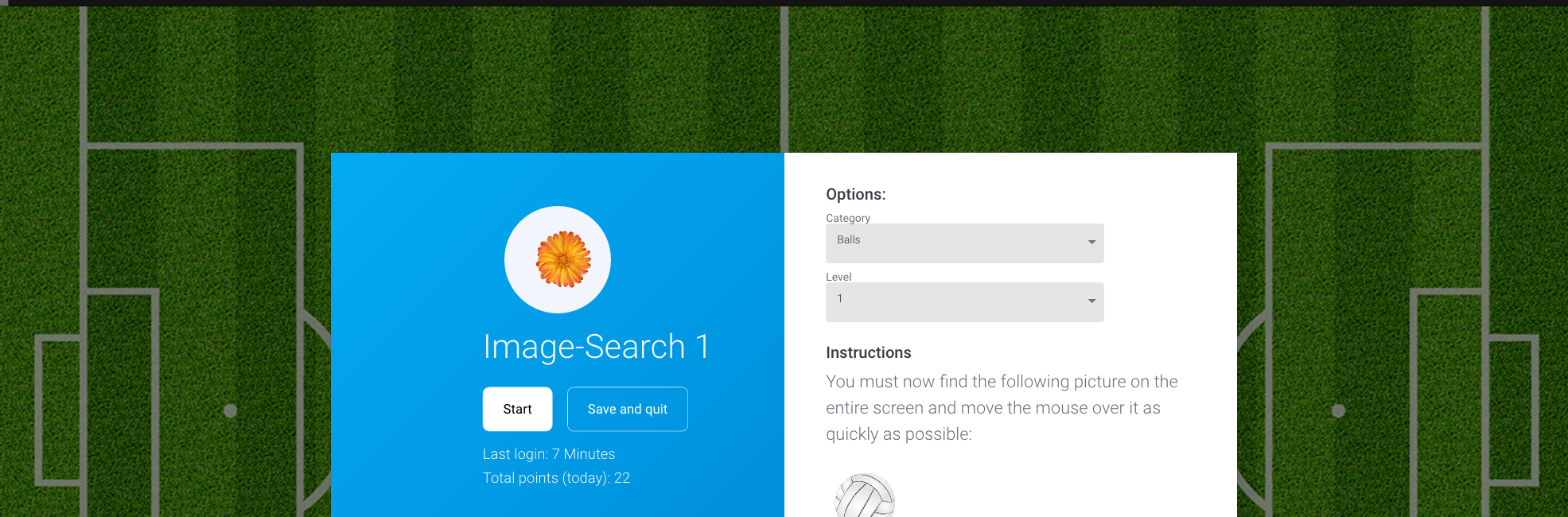
2. Select level and category
Level: Changes the difficulty of the exercise: image size, number of images
Category: Modifies the wallpaper and the object to search: flowers, balls, cars, fish, airplanes, leaves, farm, birds, tools, bugs, coins

3. Click on ‘Start’
3. a) Easy mode option
Activate the Easy mode if you do not want to search for the point exploratively but want to provoke saccadic eye movements. A mixture between explorative and saccadic eye movements is recommended. If you have any questions, consult a specialist or contact us: www.oculy.app/contact.html

5. Find the previously displayed image with the mouse
After 10 rounds you automatically proceed to the next category. Change the number of passes in the Settings
Attention: Move your eyes only, not your head
Note: If you want to end the exercise prematurely, press the ESC key
6. Click ‘Save and quit’ or ‘Start’
If you want to finish the exercise, click ‘Save and quit’, otherwise click ‘Start’.
7. Click on ‘Continue training’
After the exercise, a statistic appears in which you can analyze the exercise you have just performed. For more detailed evaluations, click on ‘Statistics’.
