Train simulator
The train simulator is ideal for provoking saccadic eye movements, as there are many moving objects on the screen.
For this exercise you must be logged in (Instruction) and you must be on the home page.
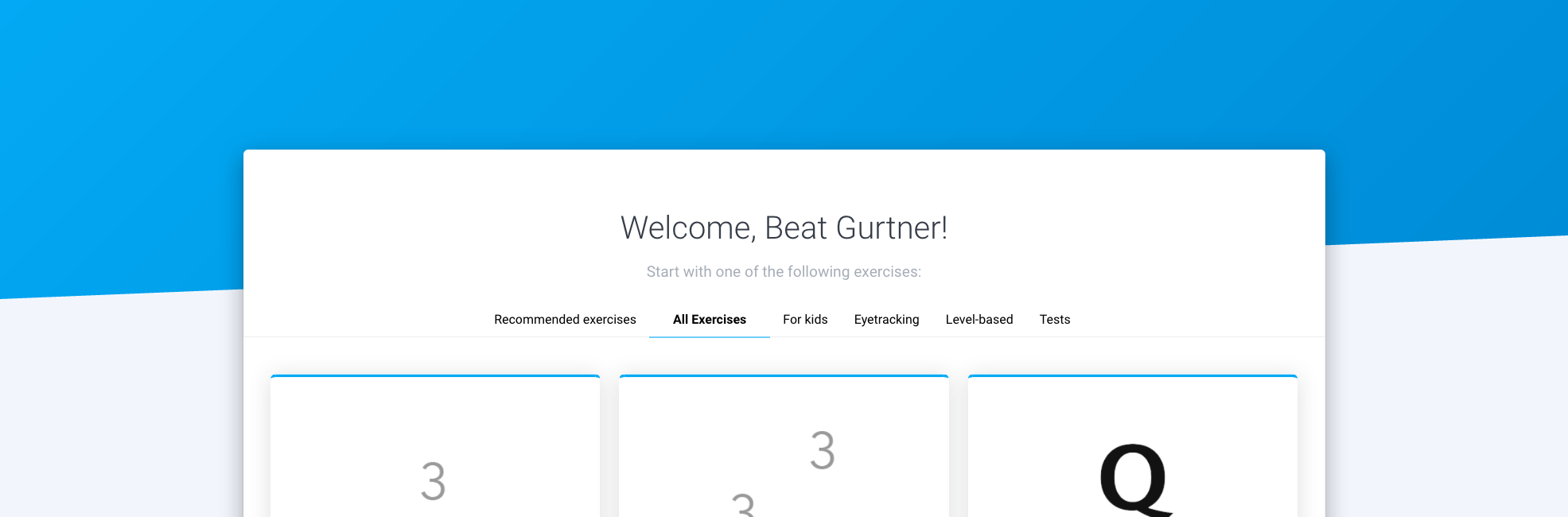
1. Open the exercise by clicking on the corresponding box

2. Click on ‘Start’
3. Click on ‘Start’
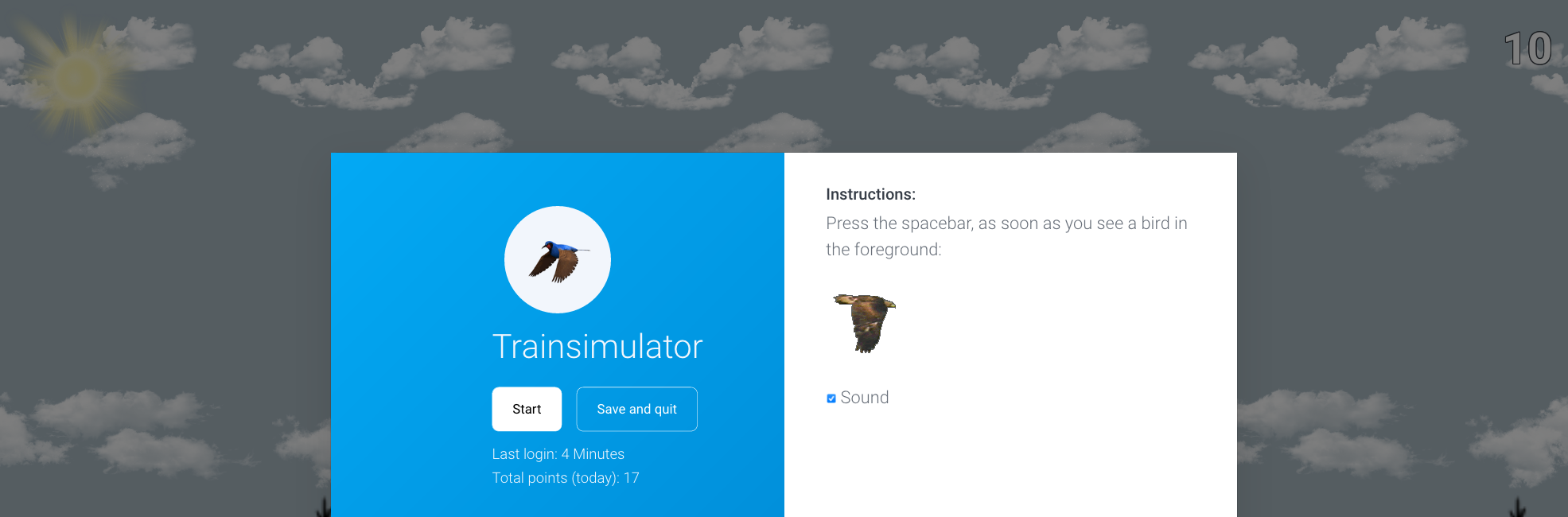
4. Press the spacebar when you see a bird
In a randomized manner, a flying bird flies either from the left or right in the opposite direction. Press the space bar on your keyboard as soon as you see a bird. Have your eyes automatically searched from left to right (or vice versa, depending on the settings of the side to be trained). After 10 rounds there is a break. Change the number of passes in the Settings
Note: If you want to end the exercise prematurely, press the ESC key

5. Click ‘Save and quit’ or ‘Start’
If you want to finish the exercise, click ‘Save and quit’, otherwise click ‘Start’.

6. Click on ‘Continue training’
After the exercise, a statistic appears in which you can analyze the exercise you have just performed. For more detailed evaluations, click on ‘Statistics’.
